Holiday import and settings
假期導入与设置
Time & Payroll Suite
Attendance, Payroll and Access Control Solution for Cost Reduction and Productivity Gains Details
All‑in‑one automated timekeeping and payroll system with robust, secure processes to guarantee payroll integrity. Includes leave management, shift rostering, multi‑site and chain support, multi‑ledger accounting, and comprehensive modules.
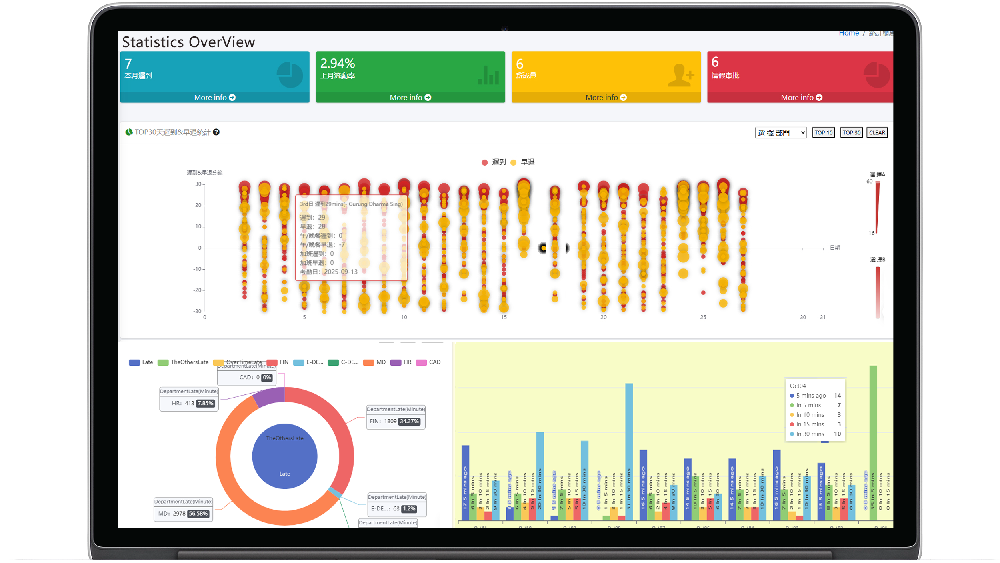
DGX HRMS Leave and Leave Management
I. System Overview
Leave and leave management is a key module of the DGX HRMS system, belonging to the "Leave and Holiday" module. It handles employee leave applications, approvals, and leave balance management. The system provides flexible leave settings based on different industry characteristics (such as construction, chain stores, early childhood education, etc.) to ensure compliance with industry practices and labor regulations.
II. Leave Type Management
The system supports various leave types and can be customized according to company needs. Common leave types include:
- Statutory Holidays: Public holidays set according to Hong Kong labor laws.
- Annual Leave: Paid leave entitled to employees based on their years of service.
- Sick Leave: Leave taken by employees for medical treatment due to illness, requiring a medical certificate.
- Maternity/Paternity Leave: Maternity-related leave in accordance with labor laws.
- Personal Leave: Unpaid or paid leave applied for by employees for personal reasons.
- Marriage/Bereavement Leave: Leave taken for special family events.
- Industry-Specific Leave: Leave set according to industry characteristics (e.g., special leave for the construction industry).
[!NOTE]
Administrators can add, modify, or deactivate specific leave types in the system settings and set the duration calculation rules for each type of leave.
III. Leave Application Process
3.1 Employee Leave Application Steps
- Employee logs into the system and goes to their personal page (path: /HK/Emply/Index)
- Click the "Leave Application" button and select the leave type.
- Fill in the leave start and end dates, reason for leave, and attachments (such as a doctor's certificate).
- Submit the application. The system automatically routes the application to the corresponding approver based on the employee's department.
3.2 Approval Process
Leave approval uses a multi-level approval node mechanism. The specific process is as follows:
- First-level Approval: Department Manager (role: Department) review
- Second-level Approval: HR or designated manager review (depending on company settings)
[!TIP]
When the approver is on leave, a backup approver can handle the application (must be configured in advance in "Approval Process Settings"). The approval status is updated in real time, and employees can check the application progress at any time.
3.3 Approval Rules
- Approver must process leave applications within the specified time limit.
- Leave exceeding a certain duration (e.g., more than 3 days) may require approval from a higher-level administrator.
- Unauthorized leave is considered absenteeism and will affect attendance KPIs and salary calculations.
IV. Leave Balance Management
- Balance Inquiry: Employees can check the remaining days of various types of leave at any time.
- Automatic Calculation: The system automatically calculates the amount of paid leave, such as annual leave, based on the employee's start date and years of service.
- Annual Adjustment: Leave allowances are automatically reset or adjusted annually according to company policy.
- History Records: All employee leave records are saved for easy querying and statistical analysis.
V. Special Circumstances Handling
- Leave Cancellation: Unapproved leave applications can be cancelled by the employee; approved leave applications must be processed by contacting the approver.
- Supplementary Leave Application: In case of emergency, if an application could not be submitted in advance, a supplementary leave application can be submitted within a certain time limit afterward, with a reasonable explanation provided.
- Holiday Extension: Under special circumstances, holiday extensions can be processed upon approval.
- Holiday Deduction: When holiday balance is insufficient, the system can be configured to allow deductions for other types of holiday or treat it as personal leave.
VI. Relationship with Other Modules
- Attendance Statistics: Leave records are automatically synchronized to the attendance statistics module, affecting attendance rate calculation.
- Payroll Calculation: Paid/unpaid leave will affect monthly payroll calculation; the system automatically adjusts according to the rules.
- Schedule Management: Leave information is synchronized to the scheduling system in real time, facilitating timely adjustments to scheduling plans by management personnel.
VII. Permission Description
| Role | Operation Permissions |
|------|----------|
| Employee | Submit leave applications, query personal holiday records and balances |
| Department Manager | Approve leave applications for employees in their department, query department leave statistics |
| Administrator/HR | Set holiday types, approve leave applications, manage holiday balances, view company-wide leave statistics |
| System Administrator | Configure leave approval processes, set holiday calculation rules |
VIII. Frequently Asked Questions
- Q: How do I check my remaining annual leave?
A: Log in to your employee page and click "Fresh Leave Balance Inquiry" in the "Fresh Leave Management" module.
- Q: Can I reapply for leave after it has been rejected?
A: You can resubmit your application. It is recommended to provide additional explanations or communicate with the approver when submitting the application.
- Q: Do I need to provide proof for sick leave?
A: The system requires a doctor's certificate for sick leave; otherwise, it may be treated as personal leave. Specific details are subject to company policy.
- Q: Can unused leave be carried over to the next year?
A: This depends on company policy. Administrators can set whether annual leave can be carried over and the carry-over ratio in the system.
For any other questions, please contact the company's HR department or the system administrator.
































Featured comments
No comments yet. Be the first.
Leave a comment
Bold and lists OK; no external scripts or images
0 / 2000
Comments appear after moderation