Excel Scheduling vs DGX-HRMS: Store Manager Pain Points Compared — Choosing Shifts Under New Site Attendance Rules
New site attendance rules are here — how should chain stores handle scheduling? This article compares the practical differences between Excel and DGX-HRMS in shift-change tracking, leave approval, fixed and flexible shifts, and attendance-to-payroll feedback, helping store managers choose the right tool.
Time & Payroll Suite
Attendance, Payroll and Access Control Solution for Cost Reduction and Productivity Gains Details
All‑in‑one automated timekeeping and payroll system with robust, secure processes to guarantee payroll integrity. Includes leave management, shift rostering, multi‑site and chain support, multi‑ledger accounting, and comprehensive modules.
Site Attendance New Rules Arrive: A Big Challenge for Chain Store Scheduling Interfaces
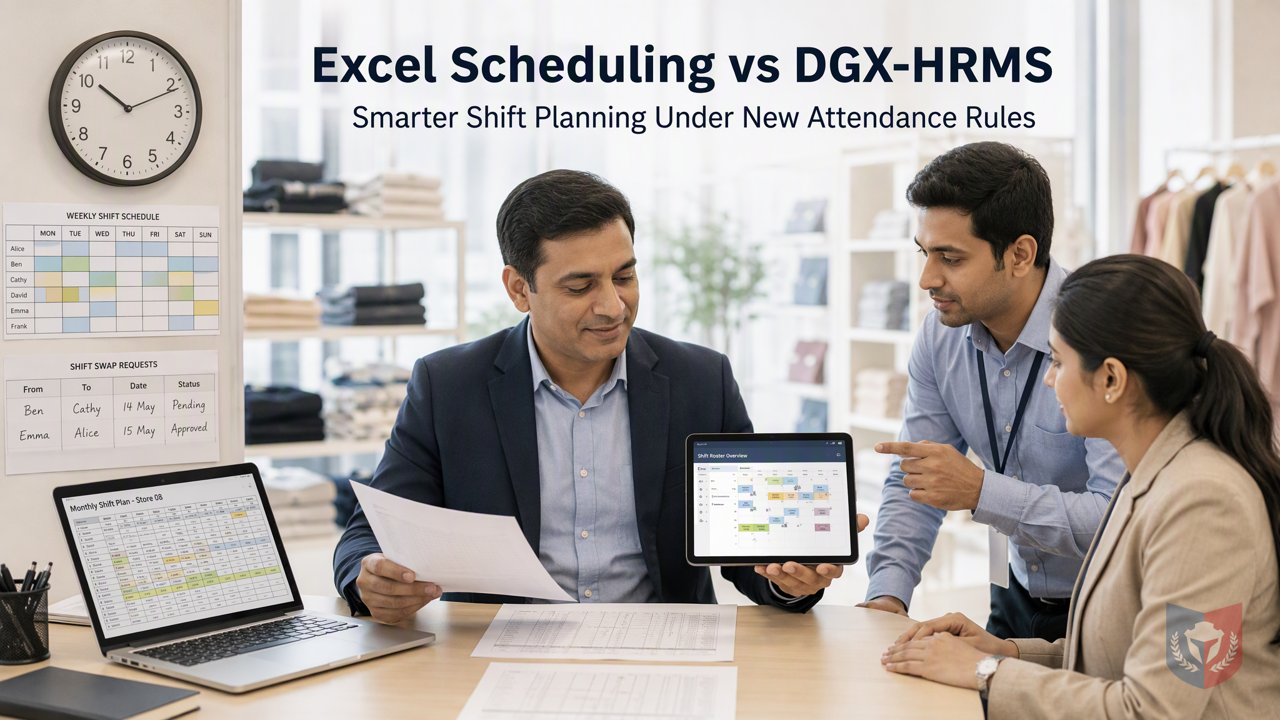
Recently, the new site attendance rules have become a hot topic in the industry, and chain store managers are all scratching their heads: frontline employee scheduling is already complex, and the new rules impose stricter requirements on attendance records and working-hour calculations. If you use Excel for scheduling, it really is easy to make a mess of things. This article will analyze the differences between Excel scheduling and DGX-HRMS in chain store scenarios from the perspective of pain-point comparison, helping you find a more efficient scheduling solution.
The Three Major Breakdown Scenarios of Excel Scheduling
1. Shift changes rely on verbal communication, and tracking is harder than reaching the sky
Chain store employees change shifts frequently. When recording shift changes in Excel, it usually relies on the store manager to modify manually and then notify verbally. Once cross-store transfers or multiple people changing shifts are involved, it is very easy for changes to be missed or duplicated, and in the end no one can figure out who is working which shift. The new rules require accurate attendance records, and this kind of manual operation is very prone to errors, leading to compliance risks.
2. Leave approval and scheduling are disconnected
When employees take leave, store managers update the schedule in Excel, but approval records may be scattered across email, WhatsApp, or even verbal leave requests. As a result, the leave and scheduling data do not match, and problems are only discovered during payroll calculation, requiring extra time to investigate. Under the new rules, attendance and payroll are more closely linked, and this kind of disconnect can lead to payroll errors at any time.
3. Fixed shifts, rotating shifts, and flexible shifts are very difficult to systematize in Excel
Chain stores have full-time fixed-shift employees, rotating-shift part-time workers, and flexible-shift employees. Excel can only rely on manual formula settings and color marking. Once there are many employee types and many stores, the spreadsheet becomes more and more complex and is easy to overlook. Store managers have to spend a lot of time checking, which is not only inefficient but also increases the chance of errors.
5 Solutions of DGX-HRMS Scheduling Management
① Systematically handle fixed shifts, rotating shifts, and flexible shifts
DGX-HRMS provides clear shift settings that can predefine rules for fixed shifts, rotating shifts, and flexible shifts, and the system automatically applies them to employee scheduling, reducing manual setup. Store managers can see each employee's shift type at a glance without relying on Excel formulas and color marking, greatly increasing scheduling transparency.
② Shift change requests are linked with approval
Employees can submit shift change requests through the system. After the store manager approves, the schedule is automatically updated without manual modification. All shift change records are traceable for easy future reference, meeting the new rules' requirements for attendance records. At the same time, the system notifies the relevant employees to avoid communication misunderstandings.
③ Leave approval and scheduling are automatically synchronized
DGX-HRMS combines leave approval with scheduling management. After an employee's leave is approved, the schedule reflects it immediately and automatically calculates the relevant working hours. Store managers no longer need to cross-check between Excel and approval records, reducing human errors and improving efficiency.
④ Scheduling feeds back into attendance and payroll
Scheduling data is directly connected to the attendance module, and employees' actual attendance compared with the schedule is clear at a glance. The system automatically calculates payroll based on attendance records, reducing manual checking during payroll calculation. Under the new rules, the accuracy of attendance data is crucial, and DGX-HRMS's feedback mechanism helps store managers easily meet compliance requirements.
⑤ Improve transparency and approval efficiency
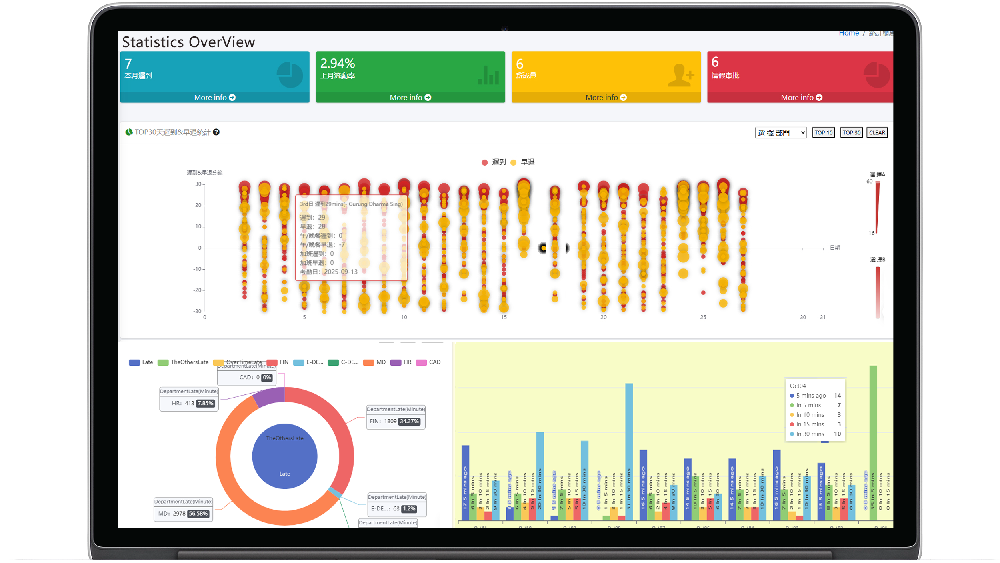
DGX-HRMS provides an intuitive scheduling interface. Store managers can quickly grasp the store's staffing situation, and the approval process is electronic, reducing paperwork. The system can also generate reports, making it convenient for management to review scheduling efficiency and costs.
How to Choose the Scheduling System That Suits You Best?
If your chain store is facing pressure from the new site attendance rules, instead of continuing to use Excel for scheduling, consider DGX-HRMS's scheduling management solution. It not only solves the problem of linking shift changes and leave, but also systematizes fixed, rotating, and flexible shifts while feeding back into attendance and payroll, helping store managers reduce manual errors and improve scheduling transparency and approval efficiency. Learn now how DGX-HRMS can help you easily respond to the new rules and improve operational efficiency!
(Keywords: Excel scheduling, scheduling system comparison, DGX-HRMS, chain store scheduling, new attendance rules)
































Featured Reviews
No reviews yet. Be the first to leave one.
Write a review
Supports bold and lists; do not paste external scripts or images
0 / 2000
Visible after review